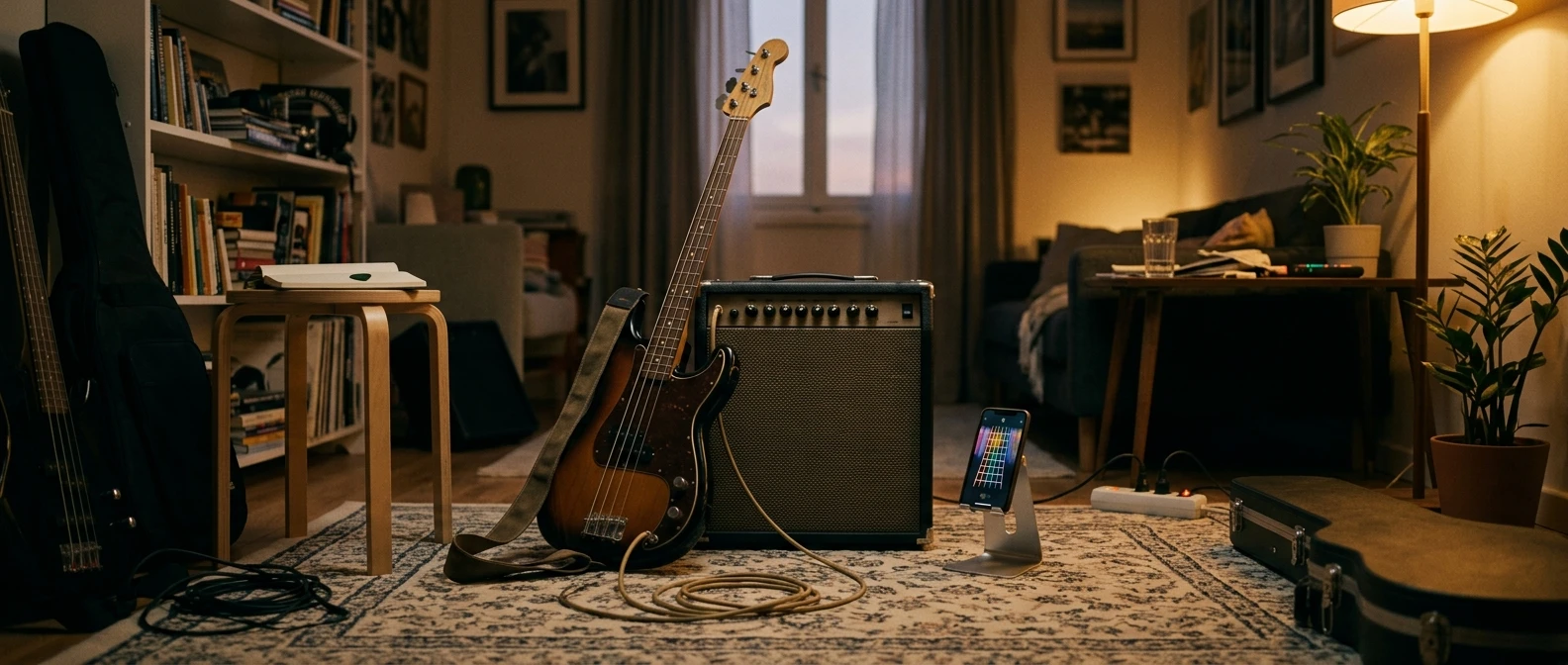
Bass Skills Studio is live, and it is built to answer one question that comes up more than any other from beginner bassists: what exactly should I practice today, in what order, for how long? If you have been working through the lesson content on this site, finger exercises, scales, timing drills, tab reading, you now have a free app that turns all of that into a daily session instead of a stack of separate articles to remember.
What Bass Skills Studio Actually Does
Bass Skills Studio is a practice app for beginner bass guitarists. It takes the individual skills that usually get practiced in isolation, finger warm ups, scale shapes, timing, and arranges them into a session you can run start to finish. You open the app, pick a focus for the day, and follow a structured sequence of exercises instead of guessing at what to play first.
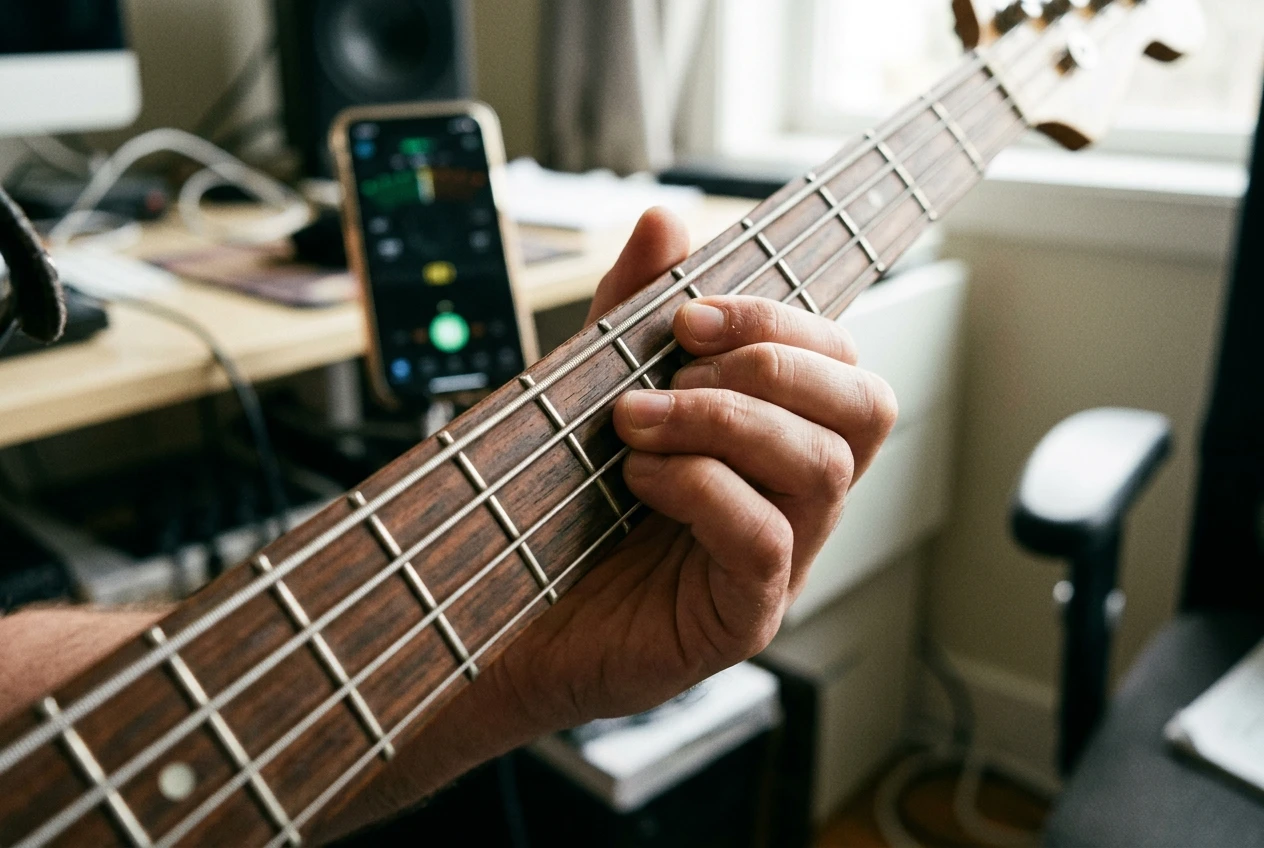
The app does not try to replace instruction. It does not explain music theory or walk you through technique the way a lesson does. What it does is give you a place to apply what you have already learned, with a clear sequence and a timer running underneath it, so practice stops being an open-ended guessing game.
Why I Built a Practice App Instead of Another Lesson Series
Lesson content answers “how do I play this.” It does not answer “what do I do with my next twenty minutes.” Those are different problems, and most beginner bass resources, including a lot of what is on this site, solve the first one and leave the second one to the reader.
A written lesson can teach you the minor pentatonic shape or show you how to lock in with a metronome, but it cannot sit next to you while you practice and tell you when to move to the next exercise. An app can. That gap, between knowing what to practice and actually running a structured session, is what Bass Skills Studio is built to close.
Inside the App: Exercises, Scales, and Timing Tools
The app is organized around three categories that map directly onto the fundamentals a beginner needs most.
- Finger exercises: warm up drills for left and right hand coordination, built to be run before a practice session rather than buried inside one.
- Scale drills: major and minor scale shapes presented as repeatable exercises, with patterns you can work through at your own pace.
- Timing tools: a built in metronome and rhythm exercises to help you lock your playing to a steady beat.
Each category is meant to be used the way you would use the corresponding lesson content on this site, but packaged as something you run rather than something you read. If you have already gone through finger exercises for bass guitar, the app gives you a place to keep running them daily without having to reopen that article every time.
How It Fits Into the Practice Routine You Already Have
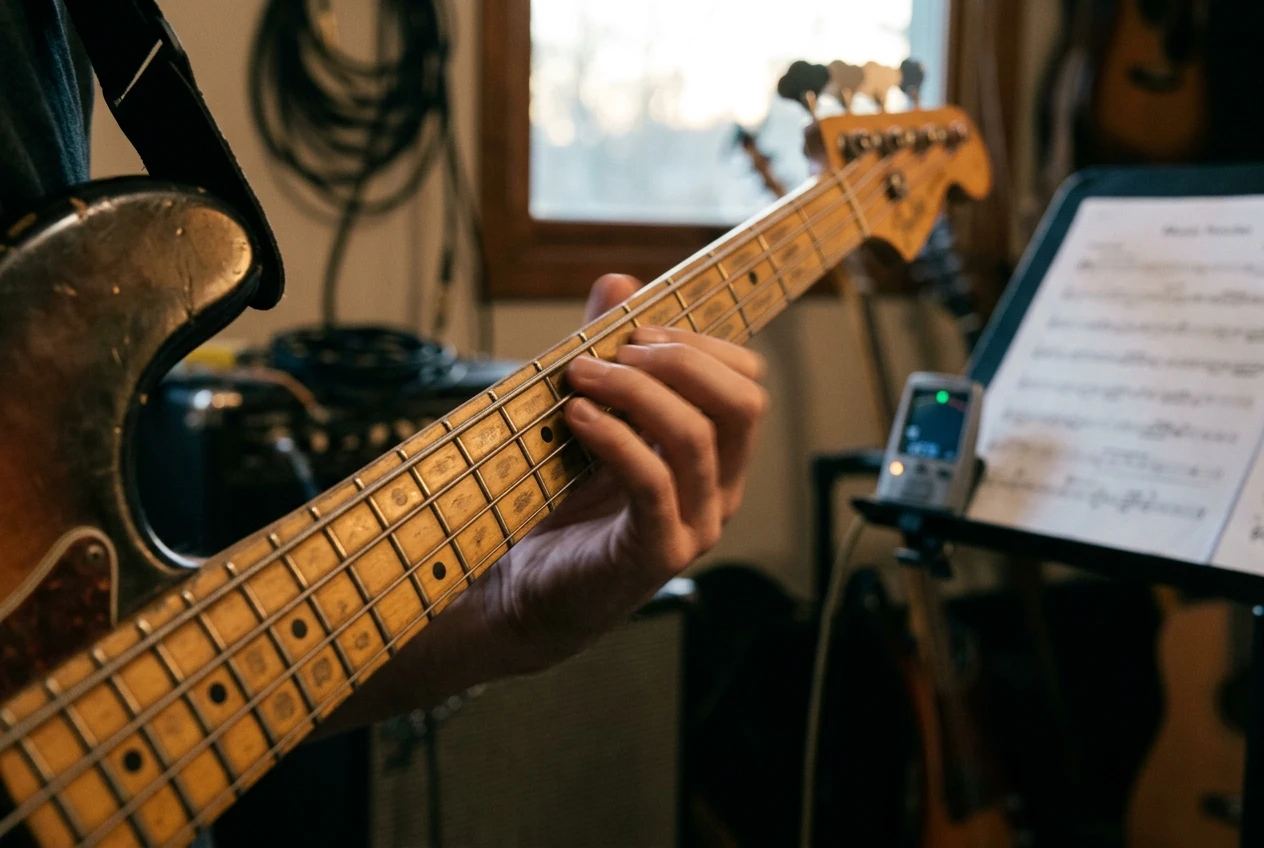
Bass Skills Studio is not a separate curriculum. It is a tool to structure the practice time you already have, using the skills covered across the lesson articles on this site.
A simple way to think about it: the articles teach you what a skill is and why it matters, and the app gives you a repeatable place to drill it. If you have read about how to use a metronome for bass guitar and understand why timing practice matters, the app’s timing tools are where that practice actually happens, day after day, without you needing to set up your own exercises from scratch each time.
This also means the app works whether you are three days into playing bass or three months in. Absolute beginners can use it to build the habit of structured practice from the start. Anyone further along can use it to keep their fundamentals sharp while they move on to harder material, like slap technique or chord progressions, elsewhere on the site.
Getting Started: Installing the App and Running Your First Session
Getting started takes a few minutes. Download Bass Skills Studio, open it, and pick a starting focus, finger exercises are a reasonable place to begin if you have not settled into a routine yet.
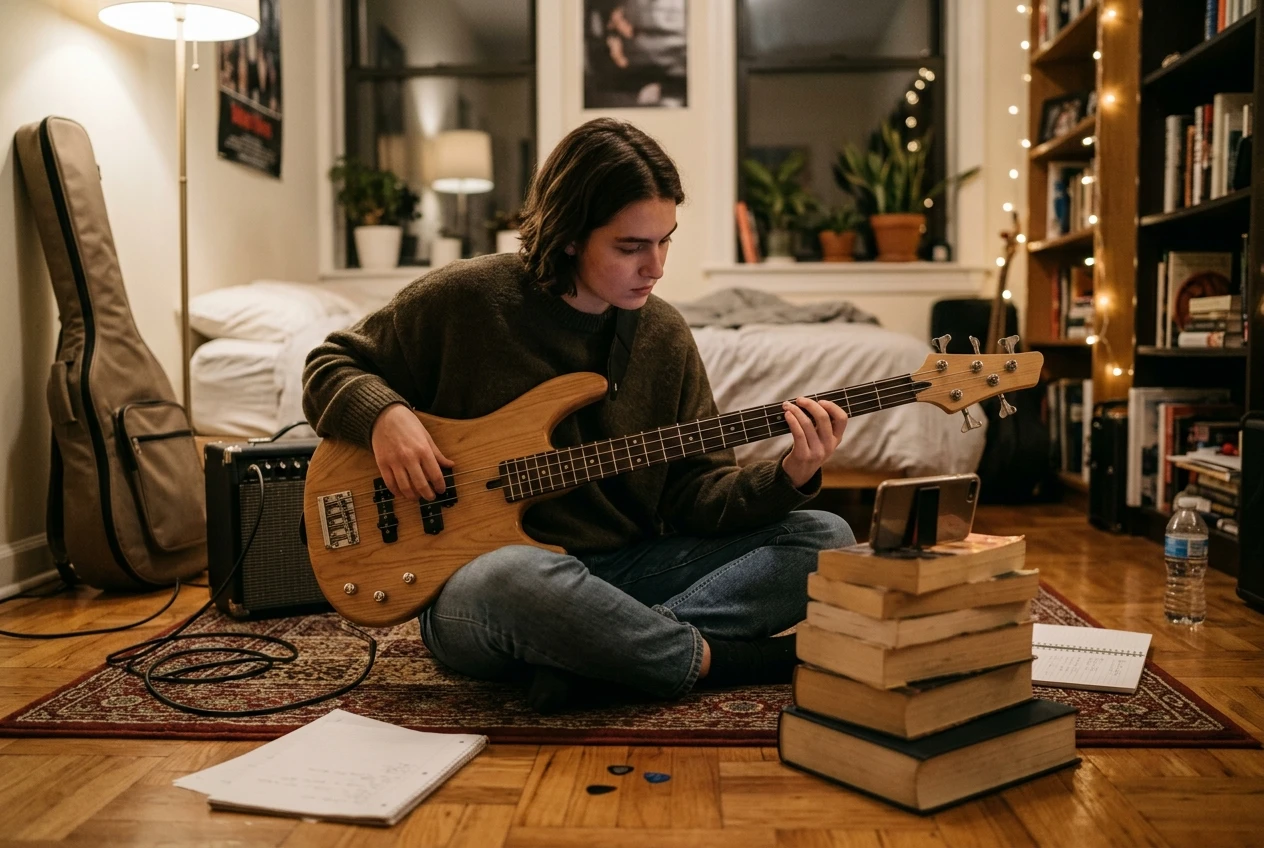
For your first session, keep it simple:
- Run the finger exercise warm up first, even if it feels too basic to matter. It is not.
- Move into one scale drill. Pick a shape you already recognize rather than a new one, so the first session is about the app’s rhythm, not new material.
- Finish with five to ten minutes on the timing tools, locking your playing to the built in metronome.
That is a complete session, and it is one you can repeat daily. The point of the first run is not to cover everything the app offers. It is to get a feel for how a session is structured so the next one takes no setup at all.
What’s Coming Next for Bass Skills Studio
Bass Skills Studio is a starting version, not a finished product. More exercises, additional scale patterns, and expanded timing drills are planned as the app develops, built around the same categories it launches with: fingers, scales, and timing.
The direction depends partly on how beginners actually use the first version, so running sessions now and noticing what you reach for most is useful information for where the app goes next.
Download Bass Skills Studio for free and run your first practice session today.