
If you know where the notes are on the fretboard but freeze when someone hands you a chord chart, an AI bass line generator can close that gap. The free AI Bass Line Generator in Bass Skills Studio takes a chord progression and returns bass lines with fretboard targets, which are the specific places on the neck to play. Used well, it shows you which notes fit each chord, so you can eventually write the lines yourself.
This walkthrough covers how to enter a progression, how to read what comes back, why those notes work, and how to practise them until they are yours.
What the AI Bass Line Generator Does and Who It Helps
You give the generator a chord progression, and it gives you a bass line that fits it, along with the fretboard targets for playing that line. That removes the first and hardest step for a beginner: deciding which note to play over each chord.
It suits bassists who already know the note names on the neck and can play a steady pulse, but who stall when they need to turn “C, G, Am, F” into something that sounds like bass playing. If that is you, the generator supplies a starting point you can study, change and learn from. For more bass line ideas, read [How To Create Bass Lines Using Scales](https://bassskills.com/how-to-create-bass-lines-using-scales/), [Your First Walking Bass Lines: Three Patterns You Can Play Over a 12-Bar Blues](https://bassskills.com/your-first-walking-bass-lines-three-patterns-you-can-play/) and [Simple Chord Progressions For Bass Players](https://bassskills.com/simple-chord-progressions-for-bass-players/).
It is also easy to depend on too much. If you copy each line without asking why it works, you will need the generator every time you meet a new song. The rest of this article is about avoiding that.
Pick a Simple Progression to Start With
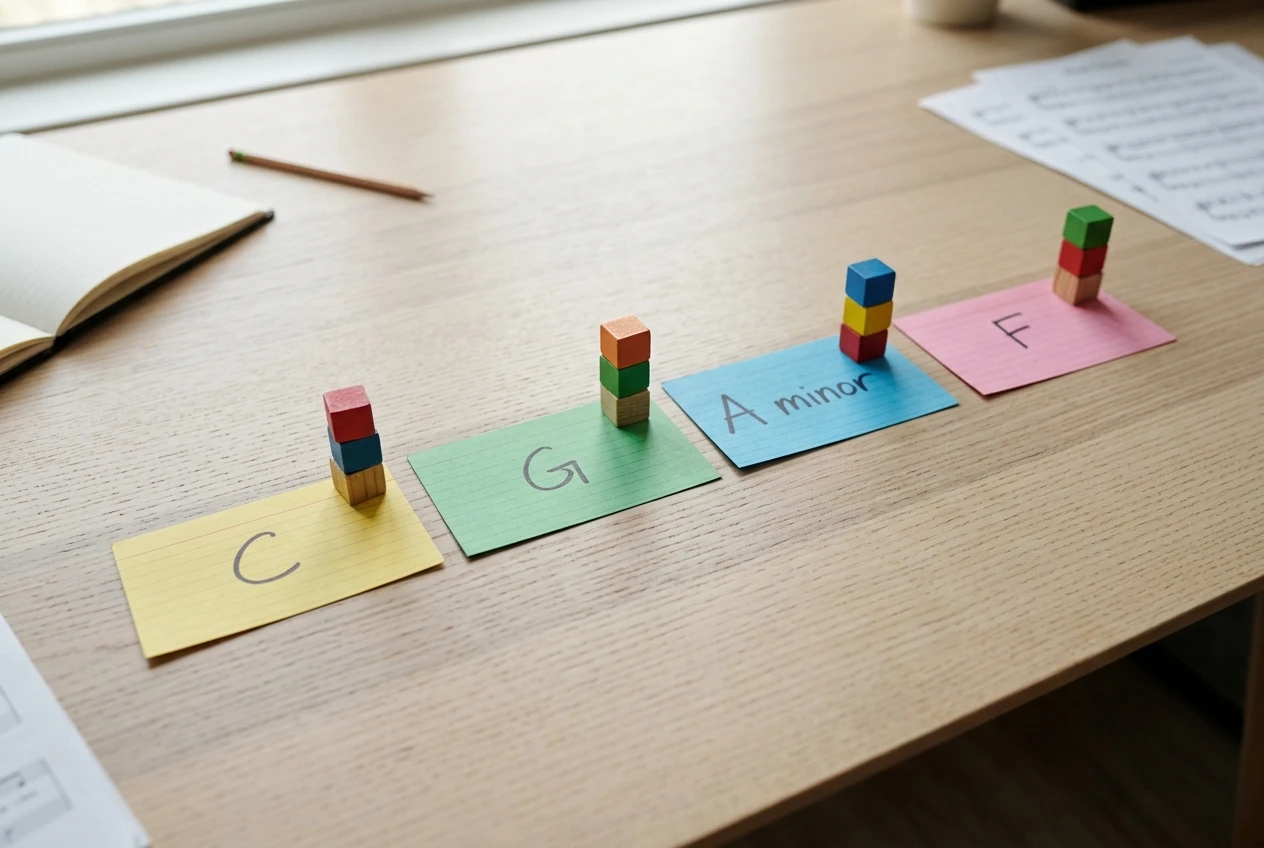
Start with four chords, one chord per bar, using chords you can name without thinking. A good first choice is C, G, Am, F. It uses only major and minor chords, every root falls in the first few frets, and the progression appears in a huge number of songs, so you will hear it again.
Keep the first round simple for these reasons:
- Plain major and minor chords make it easy to see how each note relates to its chord.
- One chord per bar gives you time to find each target before the next chord arrives.
- A familiar progression lets your ear confirm what your hands are doing.
Save seventh chords, slash chords and fast changes for later. Once the basic version feels easy, you can enter harder progressions, and you will be better able to judge what comes back.
Enter Your Chords and Read the Fretboard Targets
Open the AI Bass Line Generator in Bass Skills Studio and enter your four chords in order: C, G, Am, F. Generate the line and look at the result before you pick up the bass.
Each fretboard target is a note on a particular string and fret. Before playing, do three things with the line:
- Name every note. Say the note out loud for each target. If you cannot name it, find it on the neck and work it out. This keeps you from playing by position alone.
- Mark the root of each chord. For C, G, Am and F, the roots are C, G, A and F. See where the line lands on them, especially on the first beat of each bar.
- Mark any note that is not a root. These are the choices that make the line more than a root-note drone. You will look at them closely in the next section.
For reference, in standard tuning these roots sit in easy places: C is the third fret of the A string, G is the third fret of the E string, A is the open A string, and F is the first fret of the E string. The generator may choose different octaves or positions. That is fine, and comparing its choice with these basic spots tells you something about how the line sits on the neck.
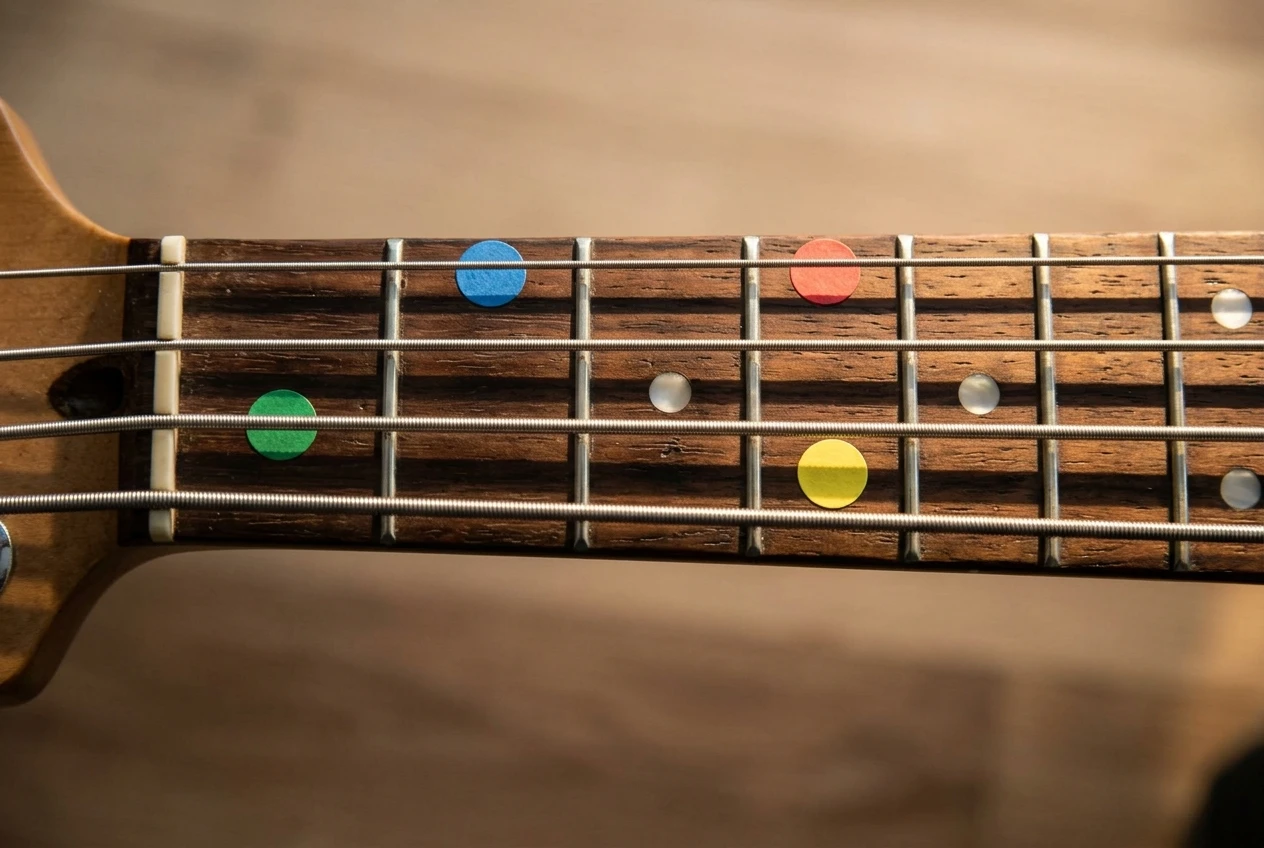
Play the line slowly once, with no metronome, just to hear it against the chords. If you can, play the chords on a keyboard or guitar, or use a backing track, so you hear the bass in context.
Why These Notes Work: Roots, Scale Tones and the Chords Underneath
Bass lines sound right because each note has a clear relationship to the chord being played. There are three relationships worth learning first.
Roots
The root is the note the chord is named after. Playing it on the first beat of the bar tells the listener which chord they are in. Bass lines often land on the root at the start of each bar for that reason, so expect to find roots on those beats.
Chord tones
A major or minor chord is built from three notes: the root, the third and the fifth. Playing the other chord tones keeps the line sounding like it belongs to the chord. Here are the chord tones for our progression:
- C major: C, E, G
- G major: G, B, D
- A minor: A, C, E
- F major: F, A, C
If a line plays C then G over the C chord, it is moving from the root to the fifth. Over Am, a move from A to E does the same thing. The fifth is the safest non-root choice on bass because it supports the chord without changing its character.
Scale tones
The notes of the C major scale are C, D, E, F, G, A and B. Because all four chords in our progression come from that scale, notes from it will usually fit. Scale tones that are not chord tones, such as the D over a C chord, work best as short passing notes that lead toward a chord tone on the next beat. If the generator gives you a note like that, check where the line goes next and see whether it lands on a chord tone.
Go through your line and label every note as root, third, fifth or passing tone. This takes a few minutes and is the most valuable part of using a generator. After a few progressions you will start predicting what the tool will choose, which means you are learning to write the lines yourself.
Practise Your Generated Line with a Metronome
A line you can play once is not a line you can play in a band. A metronome is how you make it dependable.

Here is a simple routine for one generated line:
- Set a slow tempo. Pick one slow enough that you can play every note cleanly and on time. For many beginners that is somewhere around 60 beats per minute, but use whatever lets you stay accurate.
- Play the line four times through without stopping. Treat any mistake as a reason to slow down, not to push on.
- Raise the tempo in small steps. After several clean passes in a row, increase it by a few beats per minute.
- Say the chord names as you play. Saying “C, G, A minor, F” aloud ties the notes to the harmony instead of to memorised finger shapes.
- Play along with the chords. A backing track or a recorded chord loop shows you whether the line holds up outside the metronome click.
Pay attention to note lengths as well as pitches. A line played with sloppy timing sounds worse than a simple line played precisely, so keep the notes even and let each one stop when the next begins.
Short sessions suit a single line well. Ten focused minutes repeated over several days gives you more repetitions of clean playing than one long, unfocused sitting.
Turn One Generated Line into Your Own Variations
Once the line is steady at a comfortable tempo, start changing it. Keep the root on the first beat of each bar, since it establishes the chord, and alter the rest.
Try these changes one at a time:

- Swap a chord tone. If the line goes root to fifth, try root to third and listen to how the feel changes.
- Change the rhythm. Hold a note for two beats instead of one, or leave a gap on beat three.
- Move an octave. Play the same note higher on the neck and notice how the line sounds.
- Add one passing note. Pick a scale tone that sits between two chord tones and use it on the last beat of a bar to lead into the next chord.
Change only one thing at a time and play the result with the metronome. If it sounds wrong, you have learned which notes clash. If it sounds good, you have written a variation.
Then go back to the generator, enter the same progression again, and compare what it returns with your own version. Where its choices match yours, you have confirmed what you understand. Where they differ, you have found what to examine next.
Mistakes Beginners Make When Relying on a Generator
A few habits slow progress, and they are easy to fix once you know them.
Playing without naming the notes. If you only follow fret numbers, nothing transfers to the next song. Name each note and its role in the chord every time.
Skipping the slow tempo. Rushing a line you only half know builds mistakes into it. A slower metronome setting feels dull, but it is where the timing gets fixed.
Moving on after one good run. One clean pass does not mean you know the line. Play it repeatedly over several days before replacing it with a new one.
Always starting with a harder progression. Complicated chords make it difficult to see why the notes fit. Return to simple progressions whenever the reasoning gets unclear.
Never changing anything. If you play only what the tool returns, you stay dependent on it. Make at least one variation of every line you learn.
Ignoring your ears. Theory explains why notes work, but you should also hear it. If a note feels wrong against the chord, stop and check which chord tone or scale tone it is.
Try It Yourself
Pick four chords, work out the roots and chord tones, and practise the line slowly with a metronome. Try the AI Bass Line Generator for free in Bass Skills Studio: enter a four-chord progression and play the first line it gives you today.